Skip to content
Miguel Angel Vallejo RockmanX!

Miguel A Vallejo

AI & Network Engineer — Established 1982.

Recent Posts

  • OpenClaw Is Not About Privacy. It Is About Leverage.
  • Install Syncthing on Debian 11 or Proxmox LXC container
  • Installing MariaDB + PHPMyAdmin on Debian 11/Debian 11 Proxmox LXC Container
  • Fake Online Pet Store Scams Are On The Rise
  • The Inherit Dangers Of Nextdoor And How It’s Really Facebook 2.0

Recent Comments

  • Miguel on Install Syncthing on Debian 11 or Proxmox LXC container
  • Centraals on Install Syncthing on Debian 11 or Proxmox LXC container
  • Miguel on Install Syncthing on Debian 11 or Proxmox LXC container
  • Centraals on Install Syncthing on Debian 11 or Proxmox LXC container
  • Centraals on Install Syncthing on Debian 11 or Proxmox LXC container

Tag: nVidia Shield Tablet Diagnostic Mode

nVidia Shield Tablet Diagnostic Mode On Android Lollipop

I found the Diagnostic mode for the nvidia shield tablet, you can find it at the following path…

Settings > About Tablet

At this screen you want to scroll down to “Kernal version” and tap it numerous times until it goes into diagnostics.
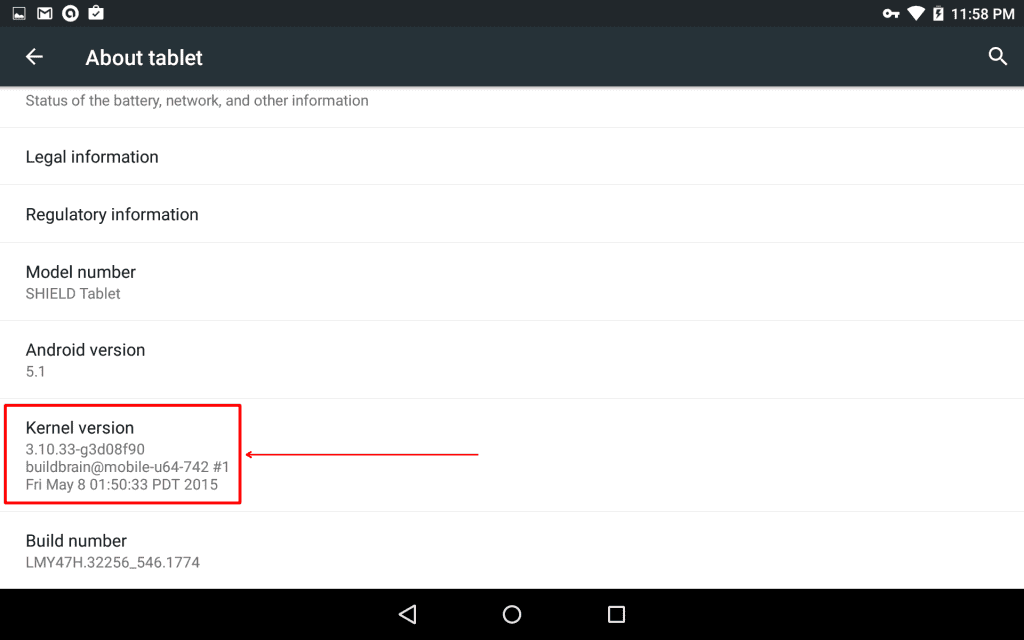
nvidia shield tablet diagnostic mode

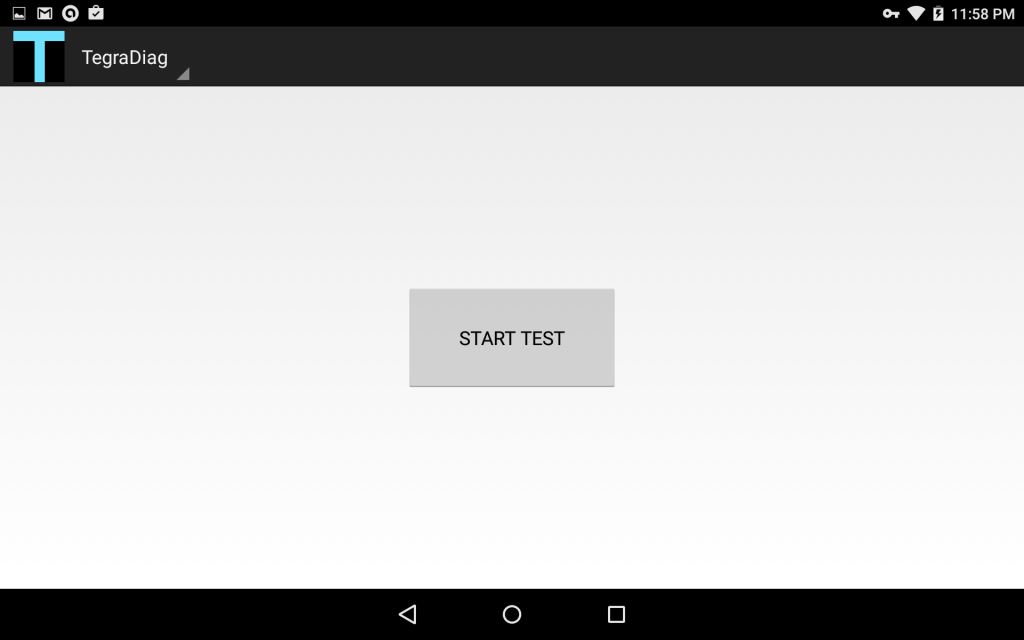
This is what it will looks like…

Screenshot_2015-06-27-23-58-05


Hope this helps anyone…

Posted on June 27, 2015July 1, 2015Categories Android, Information TechnologyTags nVidia Shield Tablet Diagnostic Mode
Proudly powered by WordPress